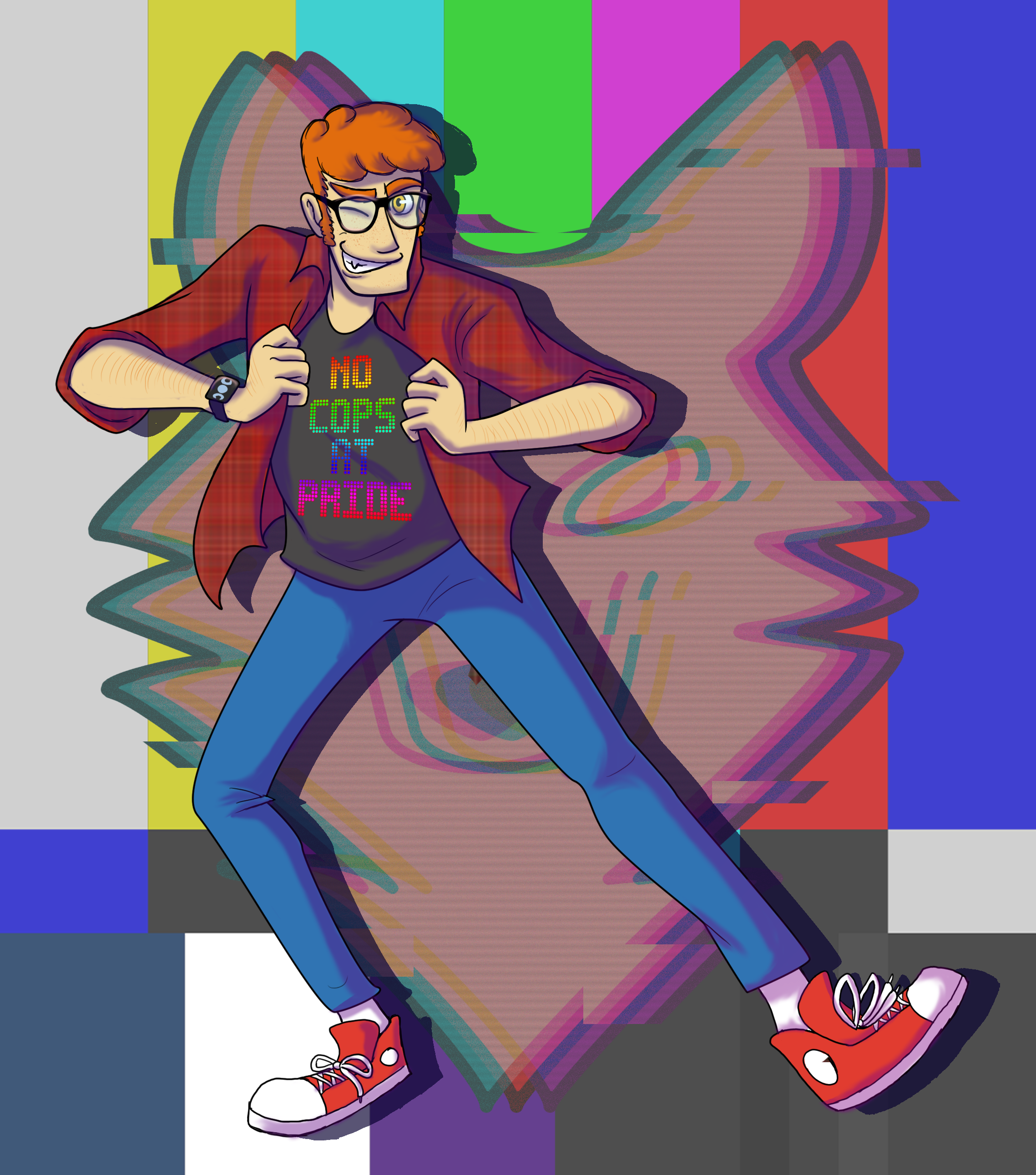
Kerisu's art
A selection of the art I've done over the years
filters
to add a new filter group, copy the
.button-group div and change the
data-filter-group.
to add a new filter to an existing group, copy the
.button button and change the
data-filter to the class you will use to tag those
elements. leave it blank to make a "show all" option.
my socials
disclaimer
this layout uses isotope for tag filtering, masonry (included in isotope) to position the grid elements into cascading columns, and biggerpicture for the lightbox.
this uses a lot of js! this will take a long time to load for
slower connections. i would advise using less js for image-heavy
galleries. a tag filtering system can be achieved with vanilla
css via radio checkboxes and some
:has(#id:checked) and
display: none css lines, and you can get columns
like this with css columns, but i wanted a layout
where the next item would fill to the next highest position.
i would strongly recommend using this template with a static site generator! there are a lot of moving parts and adding new items with the filters and lightbox attributes would be a pain in the ass, especially if you want to change something across all items down the road. in my setup, i add my new art entries to a json file and 11ty generates the list elements for me.
you are free to use this without credit but i'd encourage you to at least play around with the css and create your own visual style using this as a base. i learned webdev by stealing and you should too!
-

element #3 with classes tag3 y2024 -
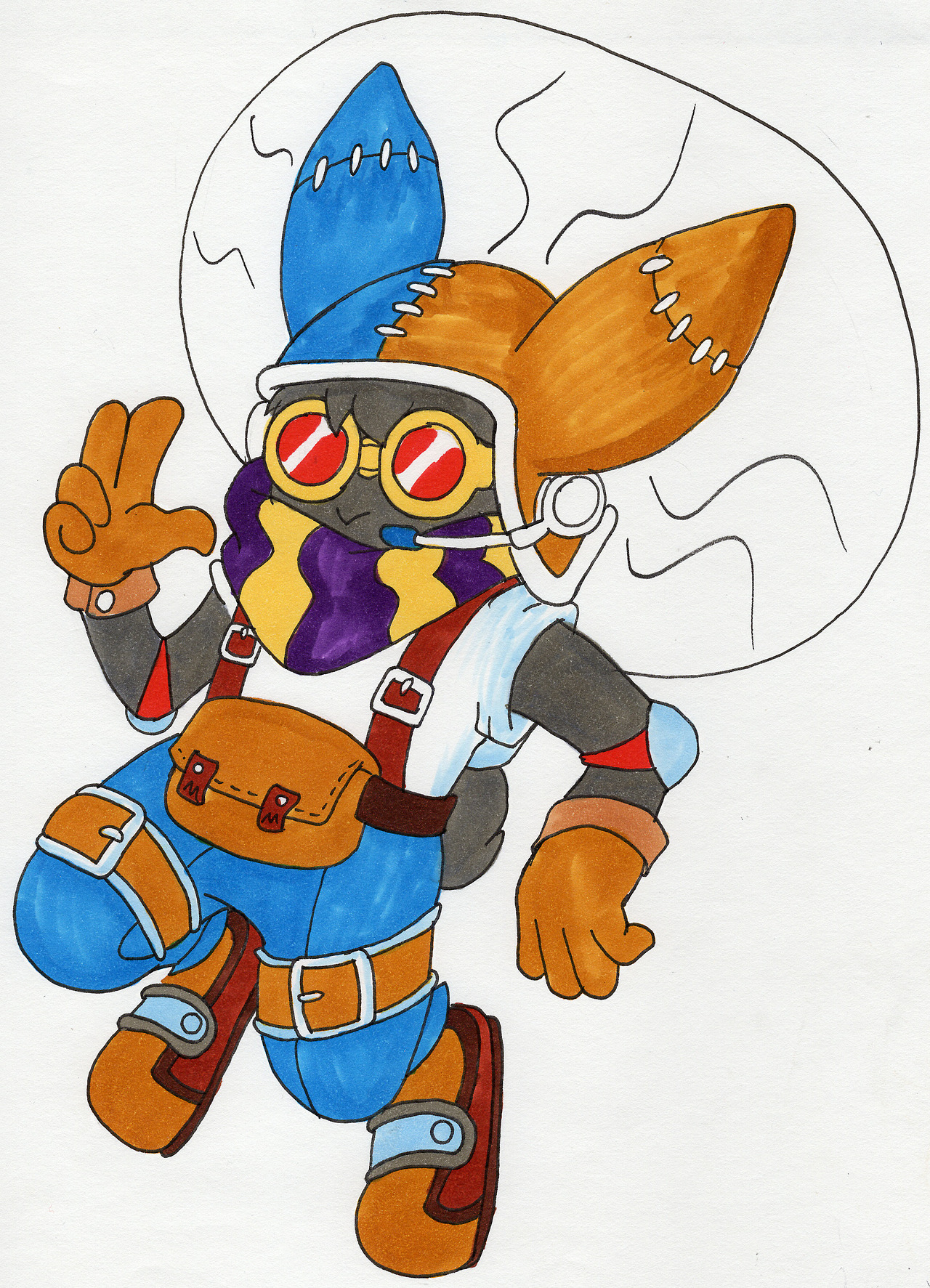
element #4 with classes trad fan fur -

commission -

commission -
commission -

commission -

commission -

commission -

commission -
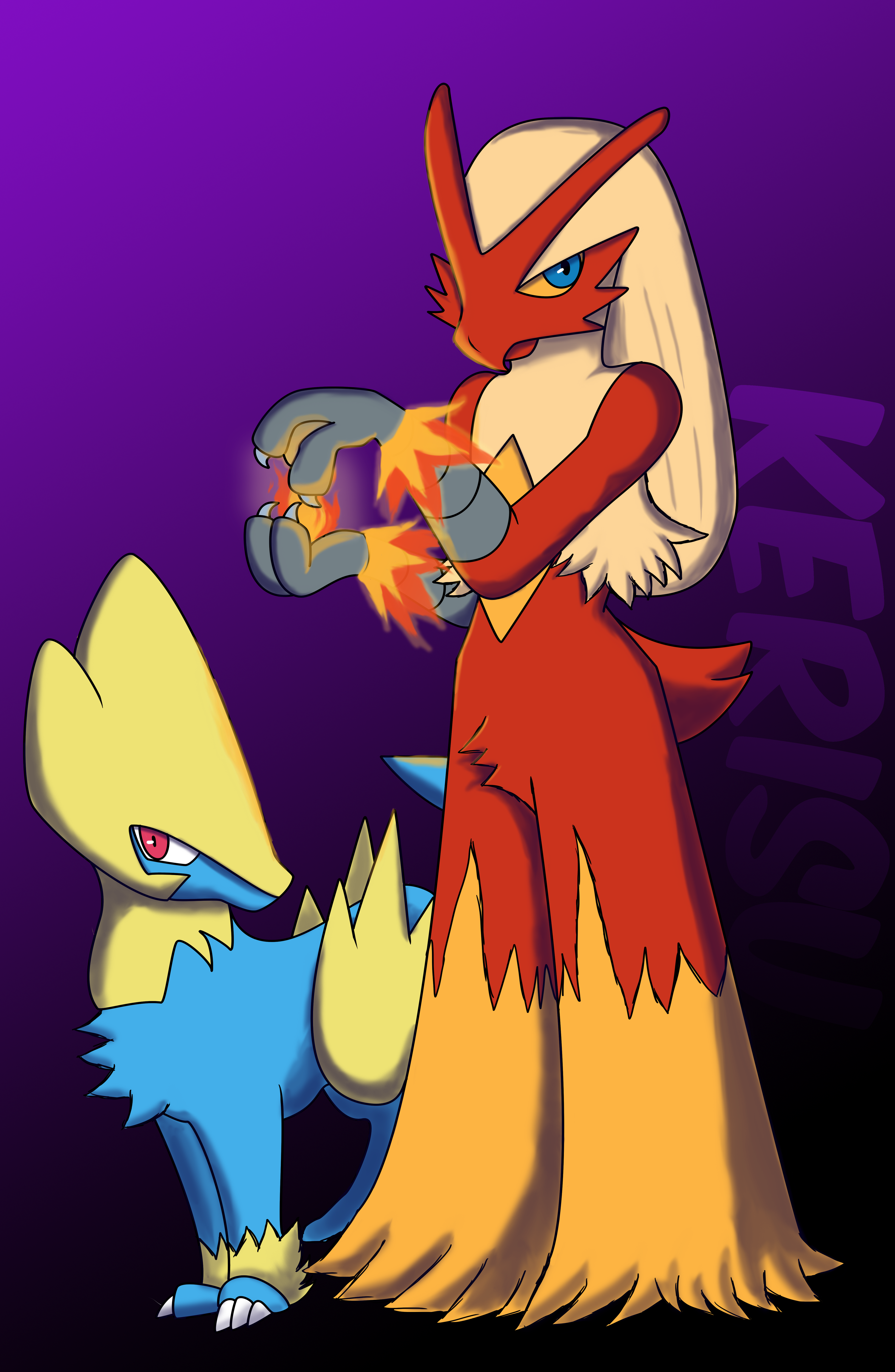
commission -
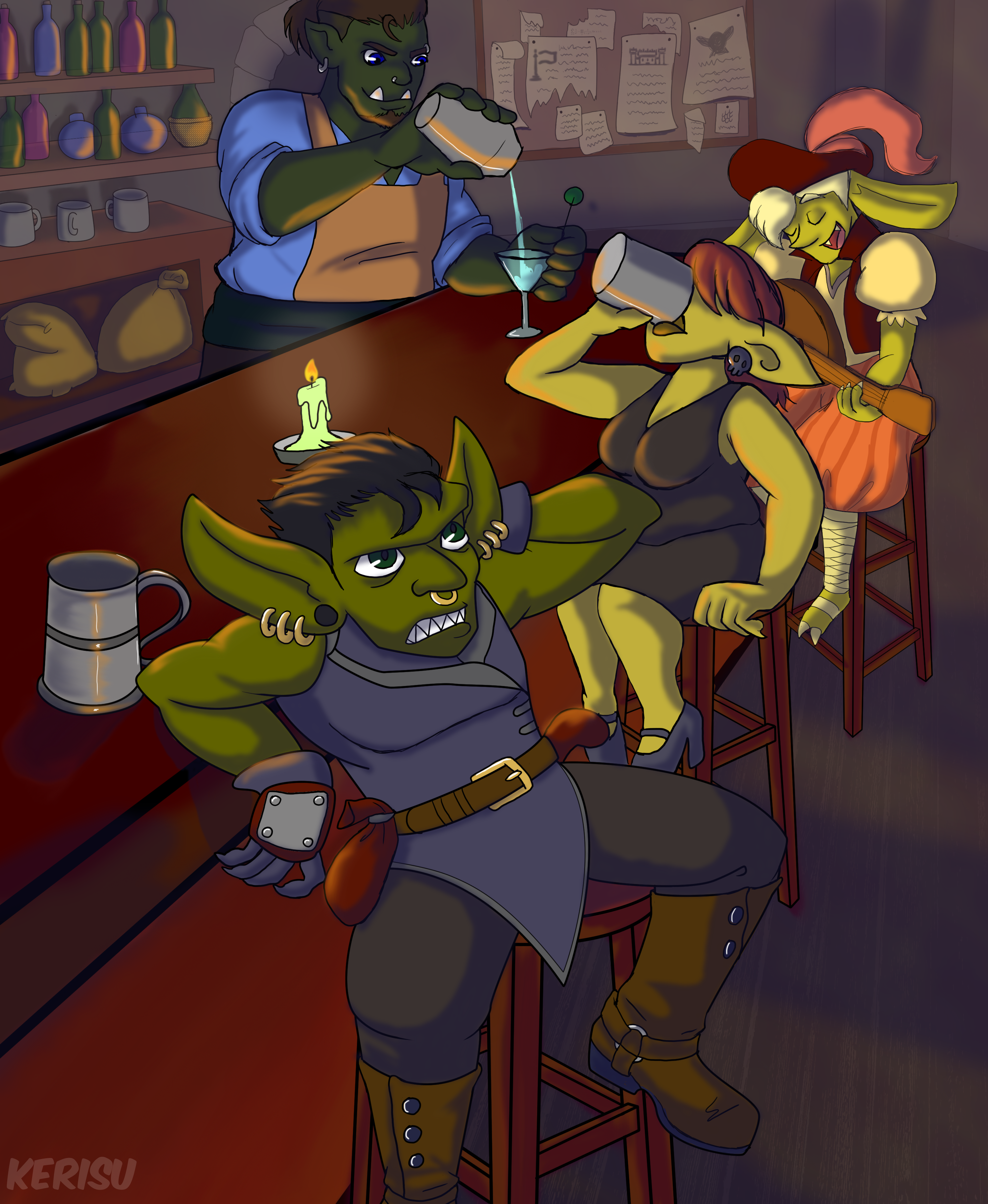
commission -
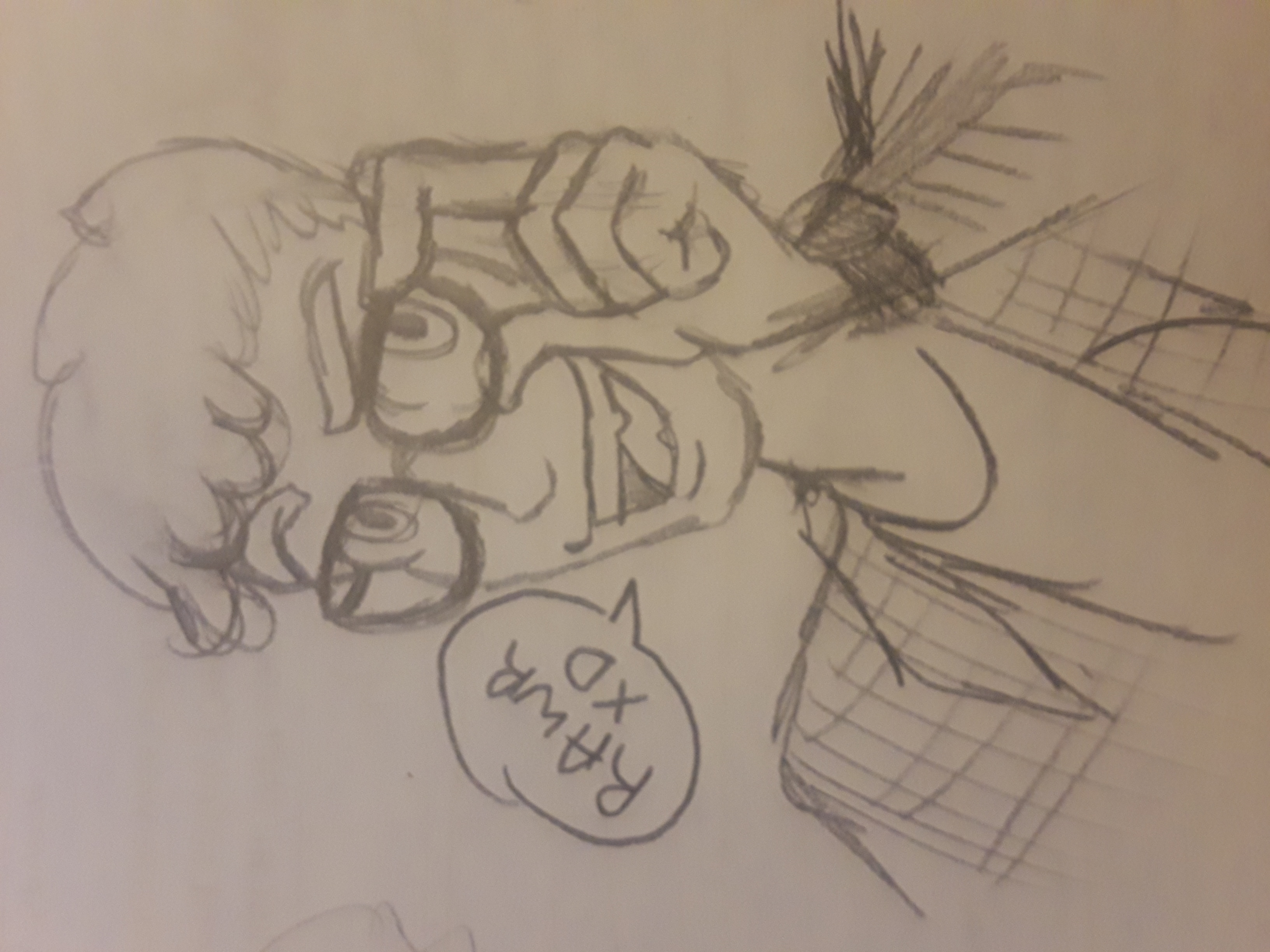
commission -

commission -
if you want an element to always appear no matter the applied
filters, you need to assign it every filter class (e.g.
class="tag1 tag2 tag3 y2025 y2024 y2023 y2022")